Quickly unblock an email account on the Mojo dedicated email service
When an account gets blocked, the fastest way to restore access is by temporarily enabling two-factor authentication (2FA) and updating the password, which immediately removes the block. The process takes less than a minute and gets your emails working again without creating any additional required updates on your email apps.
This step-by-step is recommended only if you are certain the block was a false flag and that your account is not actually compromised
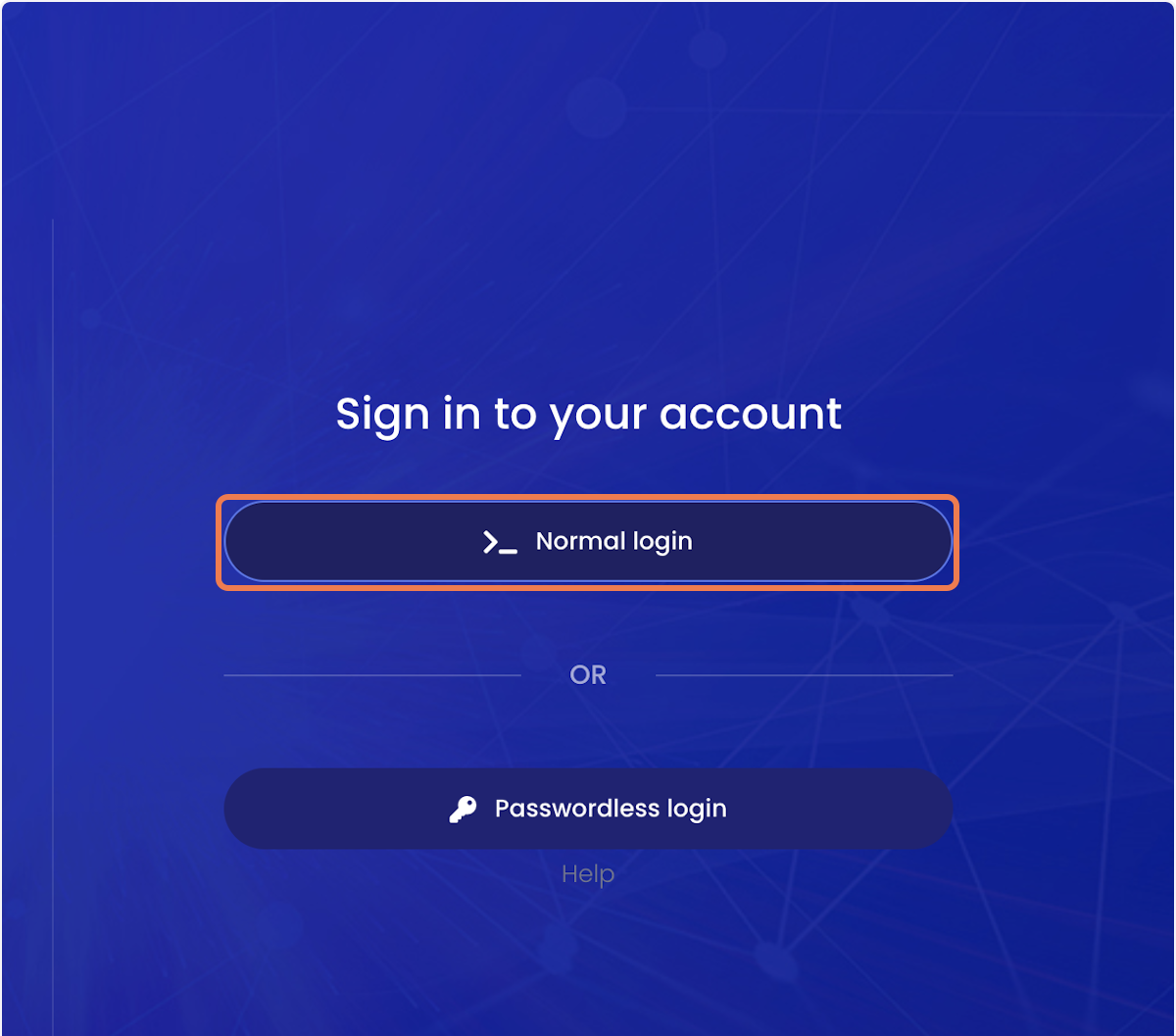
1. Visit https://mojomail.mojowebsites.co.uk/ and click on Normal login
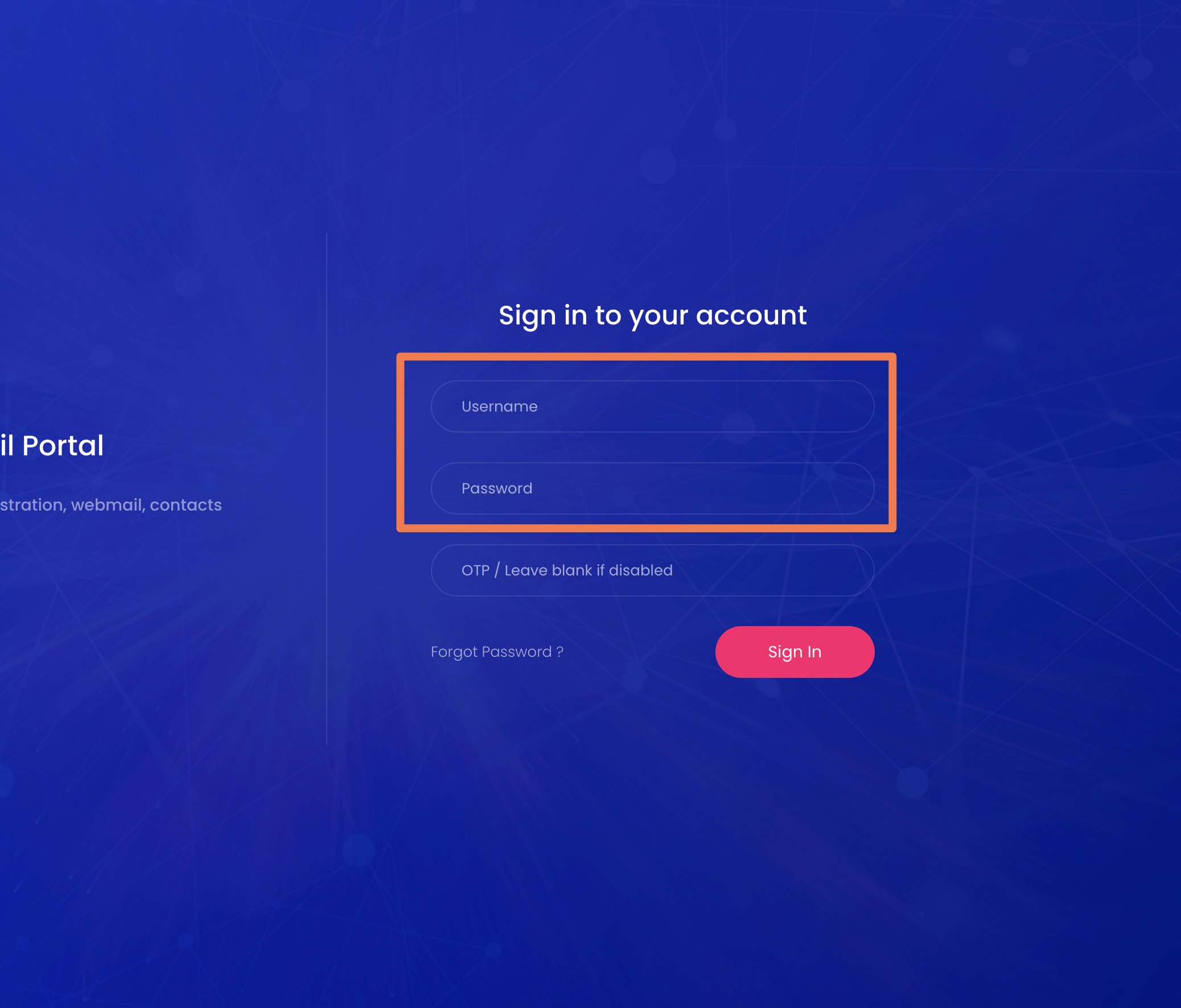
2. Input the affected email address as the username and add the relevant password.
Unless you have configured 2FA, you can leave the OTP field blank
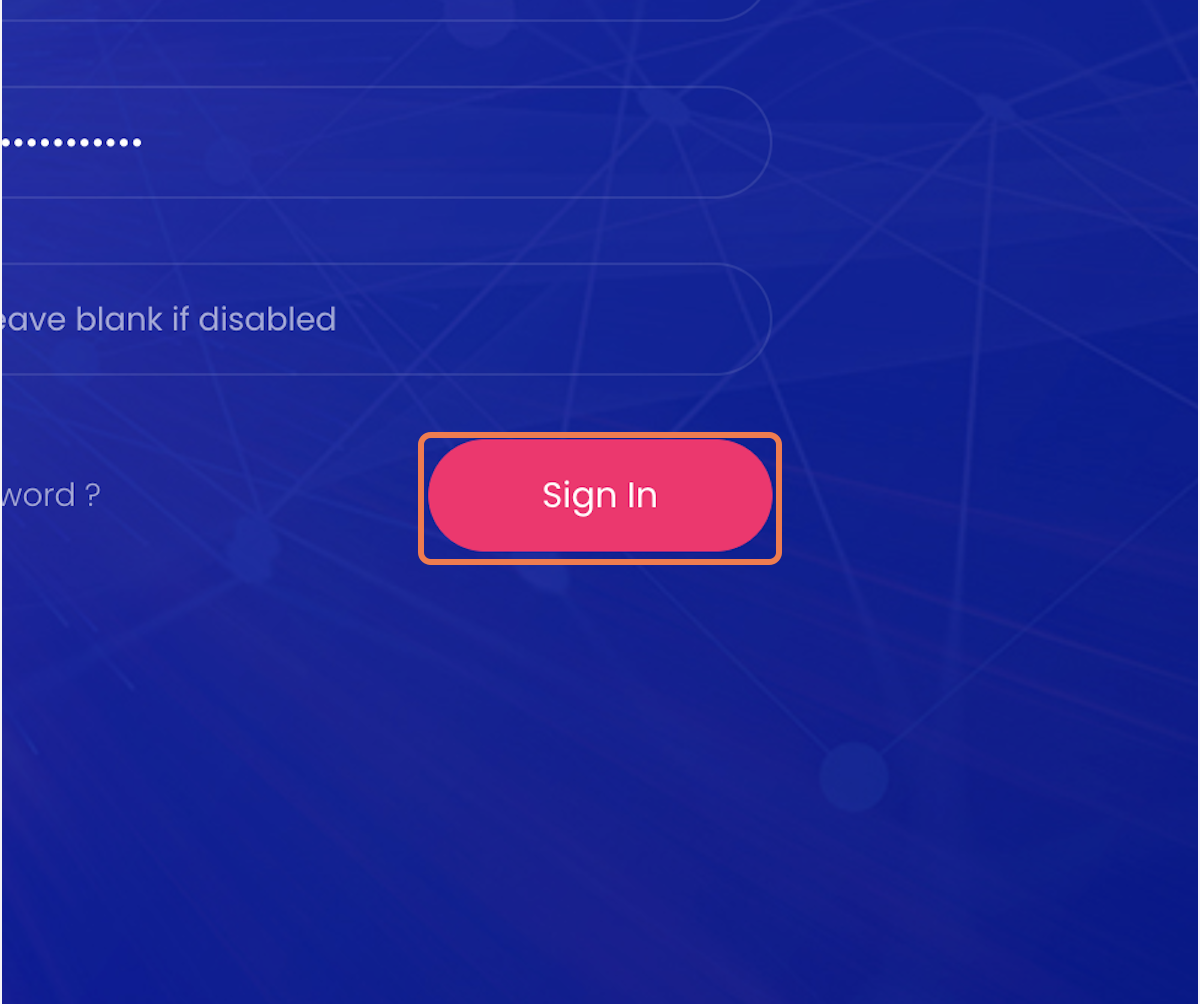
3. Click on Sign In
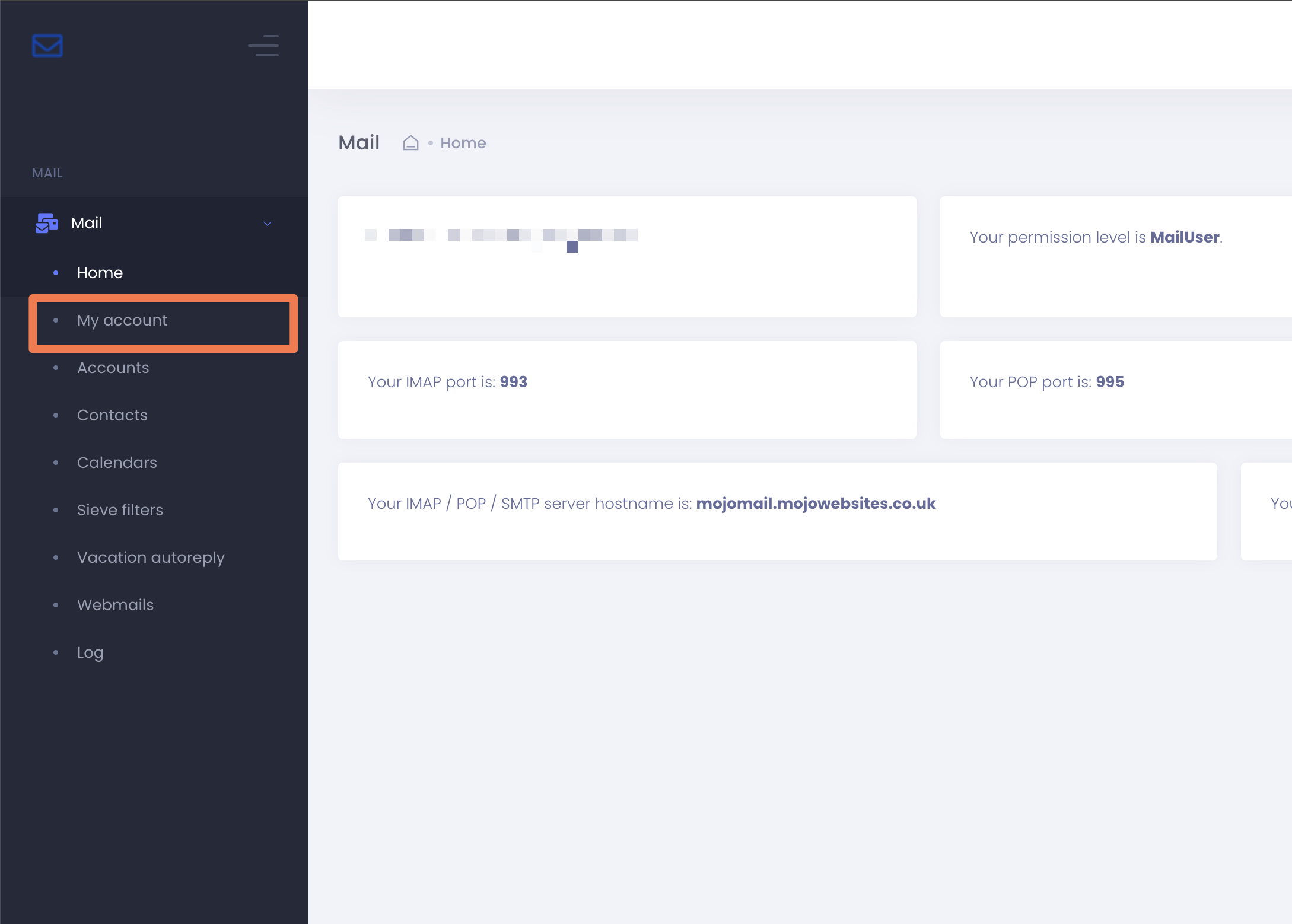
4. Click on My account
On the home screen, you should see a blocked message.
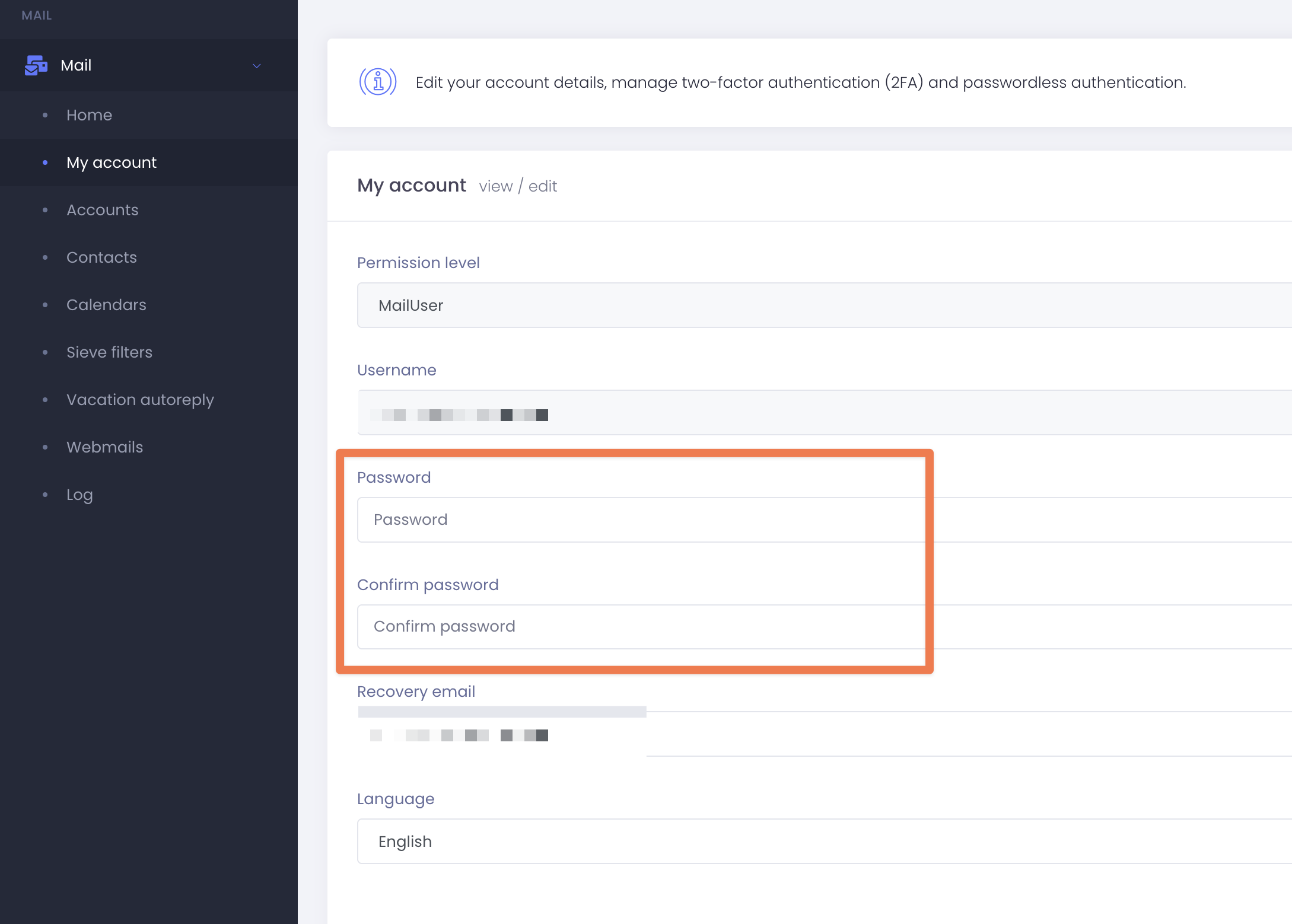
5. Update your password by filling in the password and confirm password fields using your original password.
You should use the same password as you logged in with to avoid needing to alter anything in your email apps afterwards.
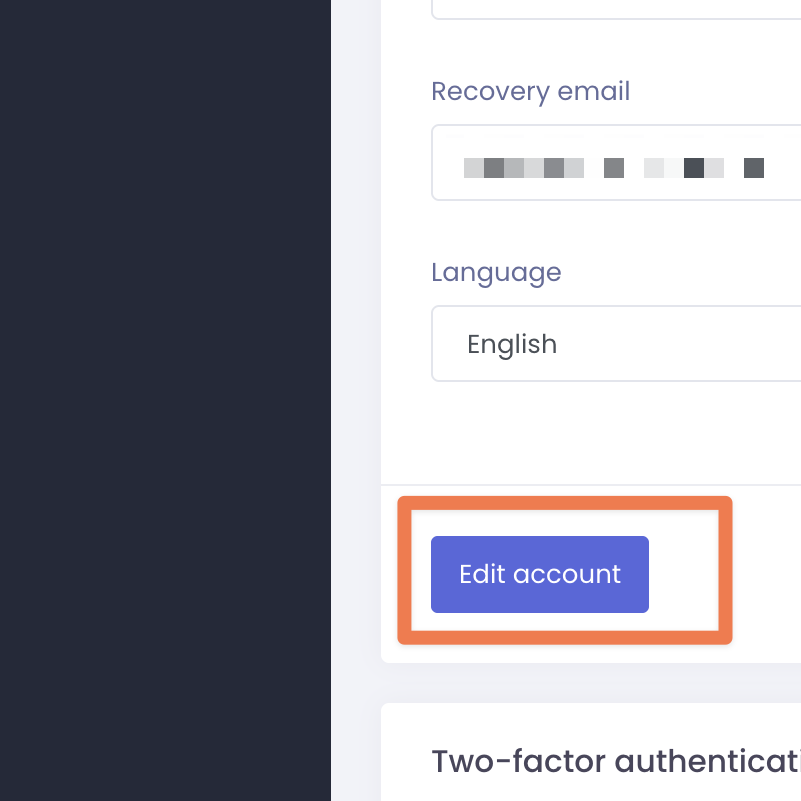
6. Click on Edit account to save
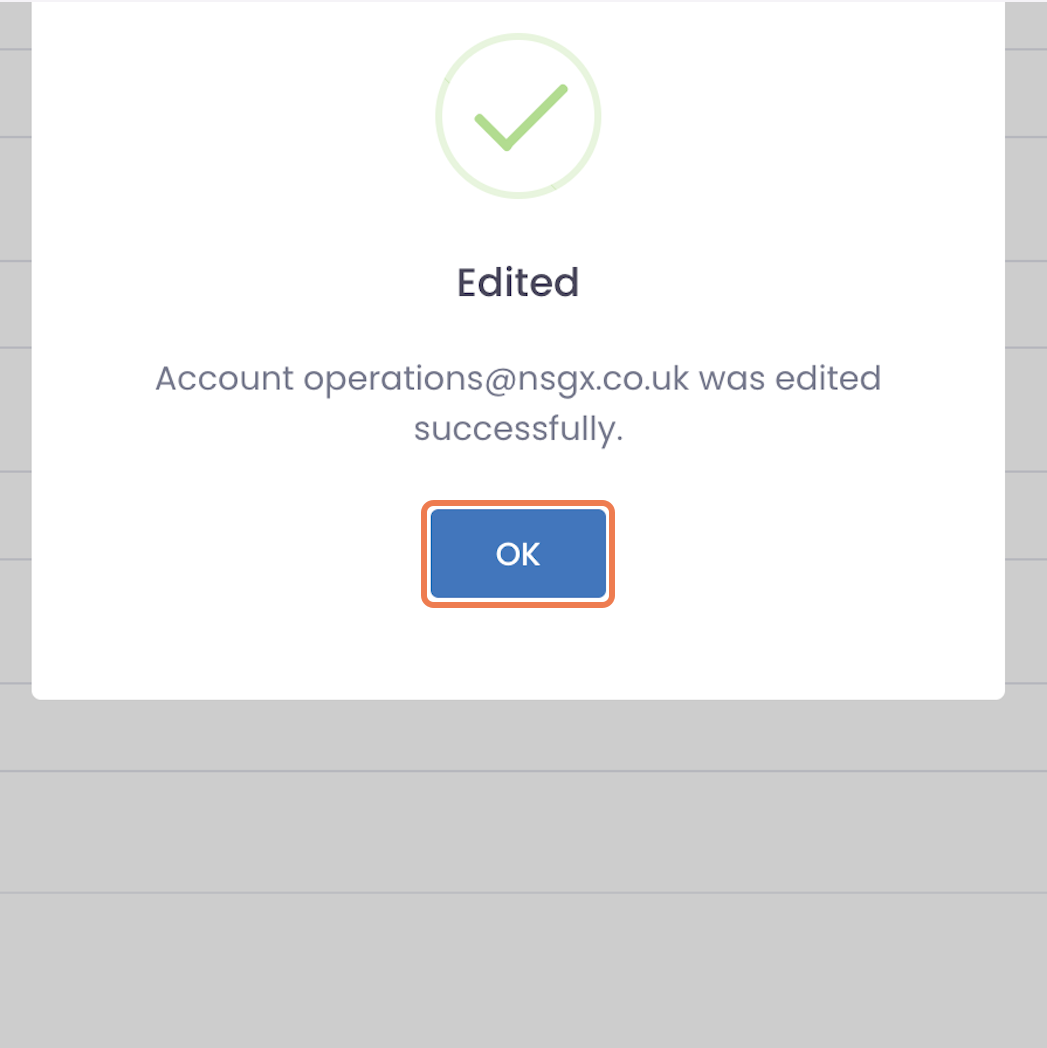
7. Click on OK
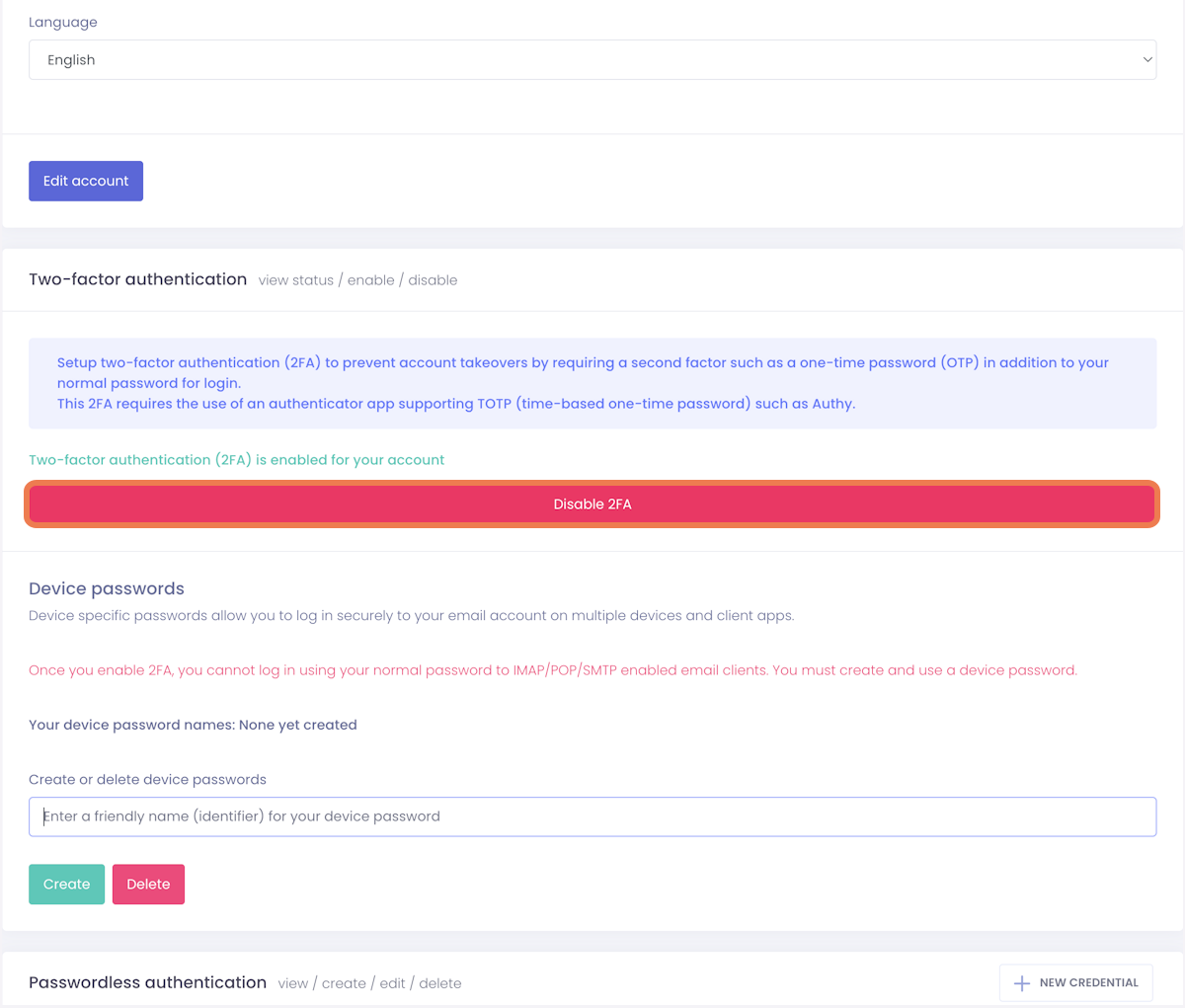
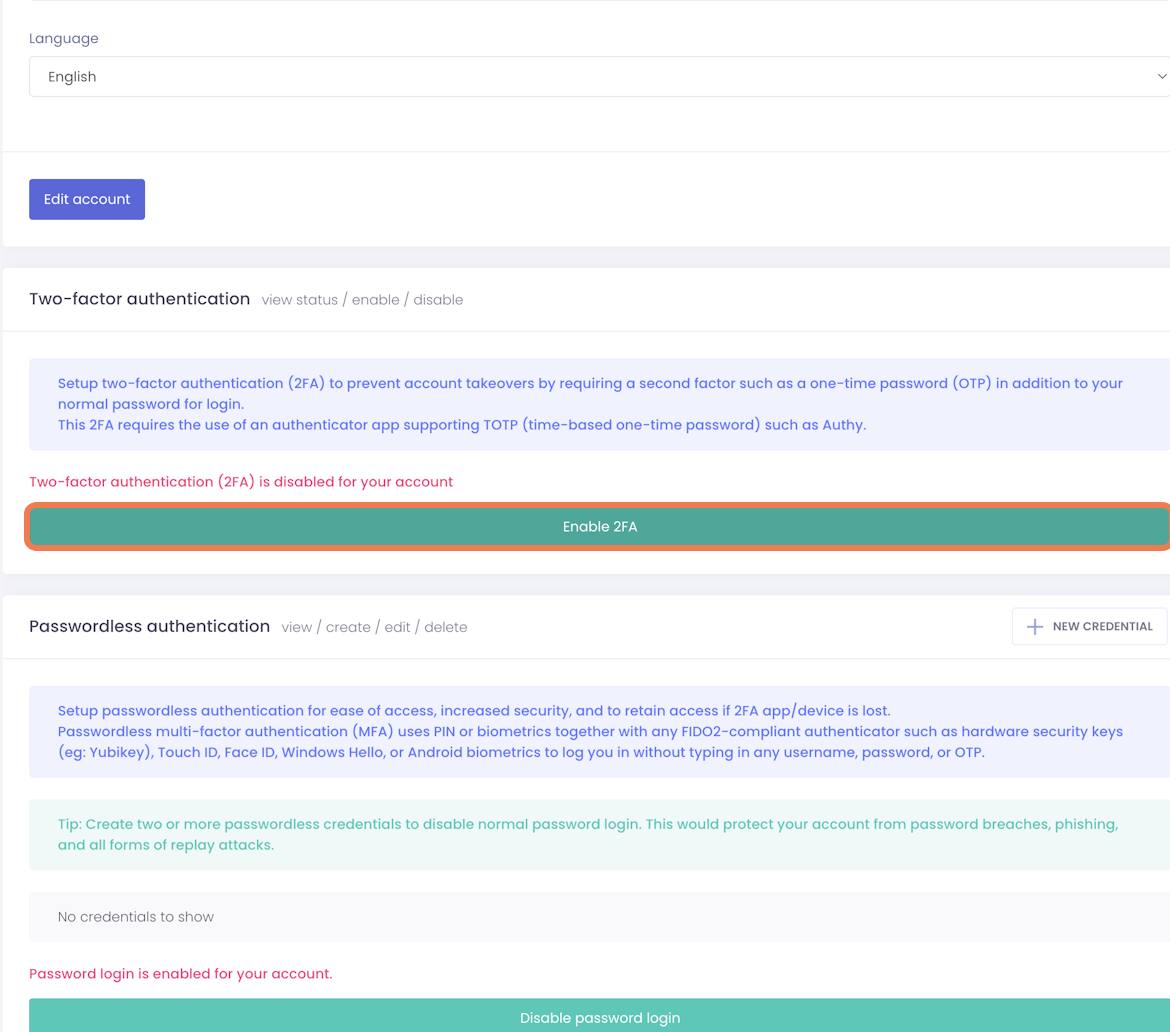
8. Click on Enable 2FA and then click Ok on the successfully enabled popup
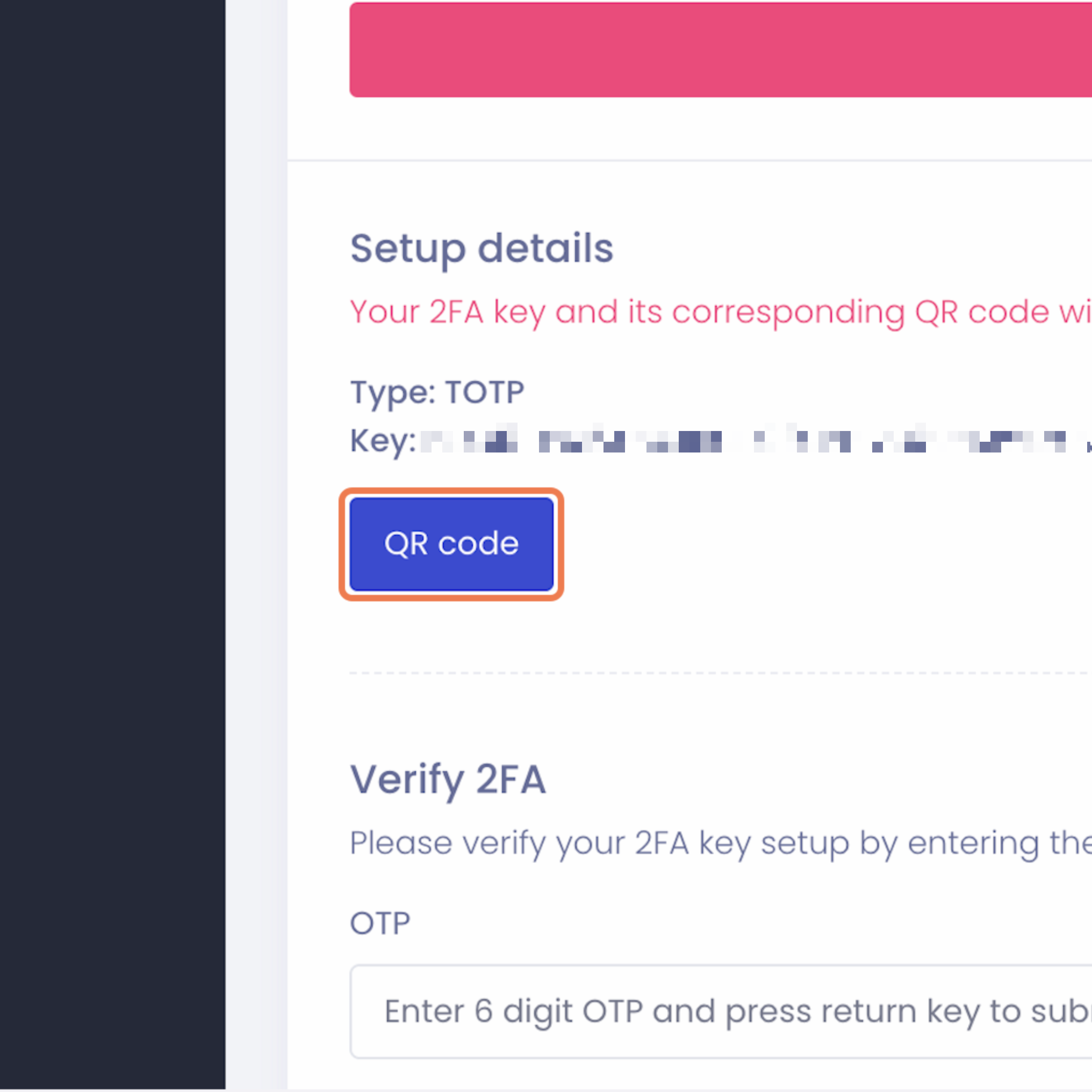
9. Click on QR code
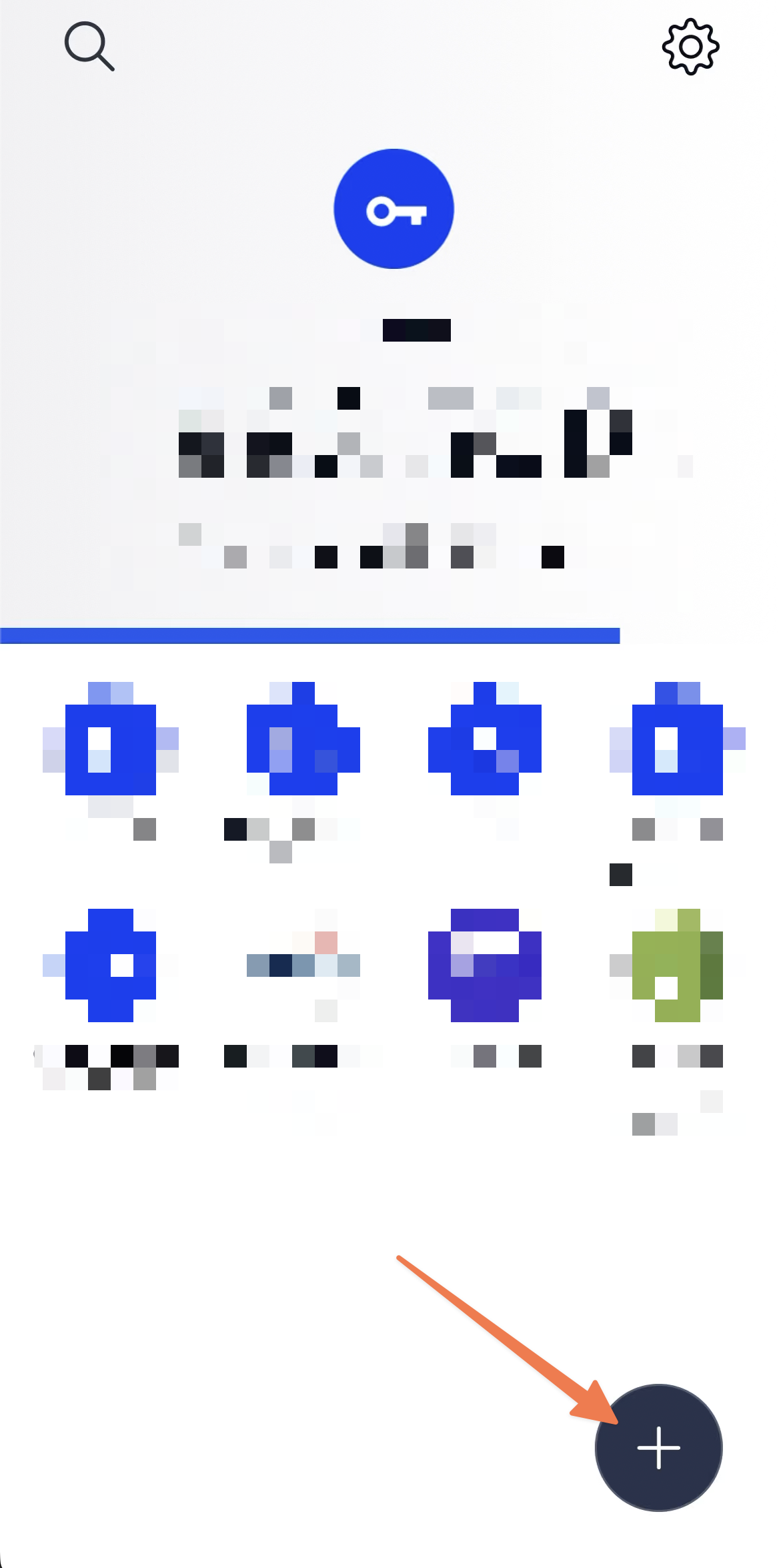
10. Open your Authentication app on your phone. Click on the add button
You can use any app of your choice. We recommend Authy
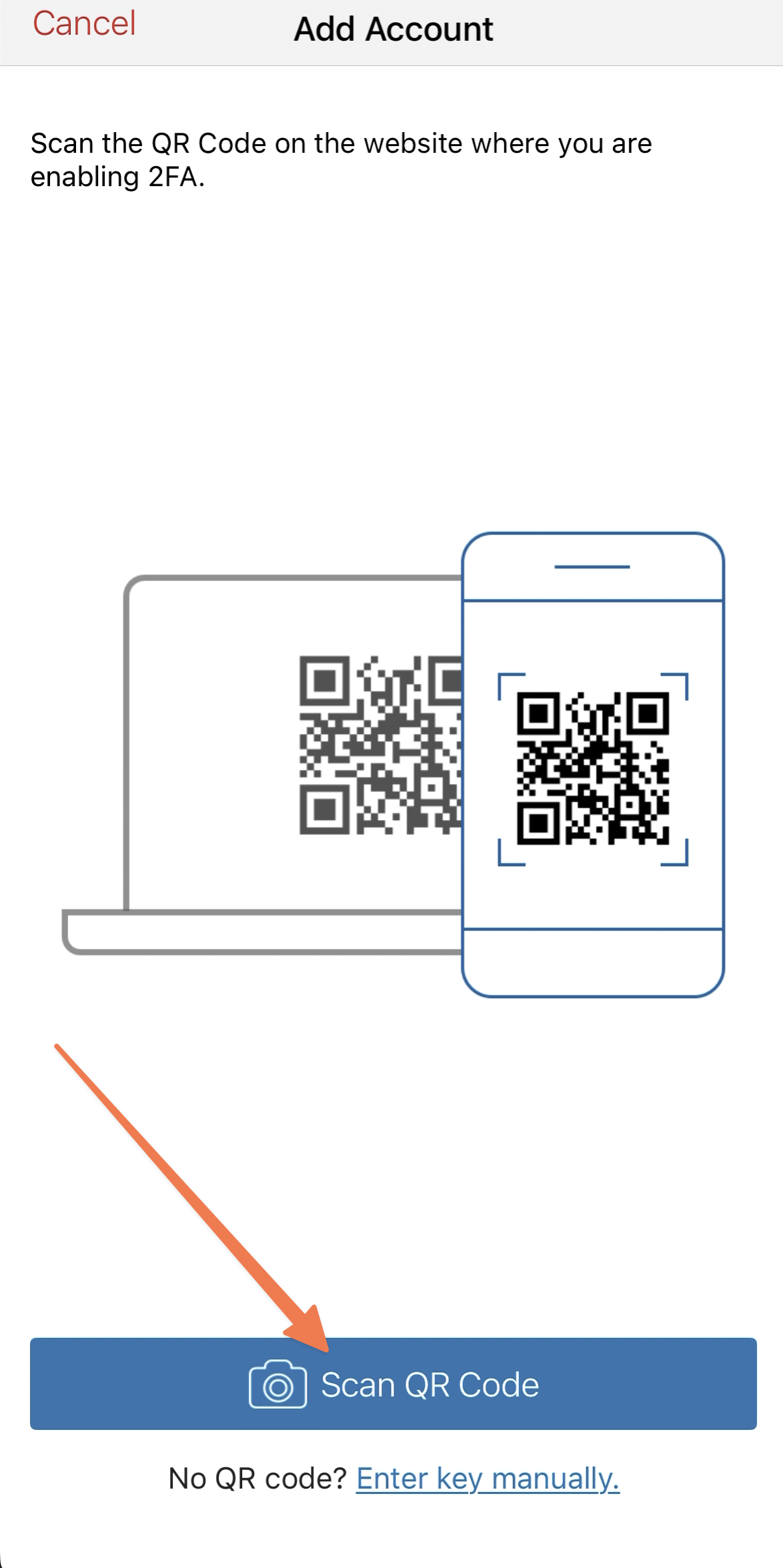
11. Click on the scan QR code button and scan the code from step 9
After scanning, pick any logo, name or colour your app asks for. It is unimportant because you will delete it after unblocking your email.
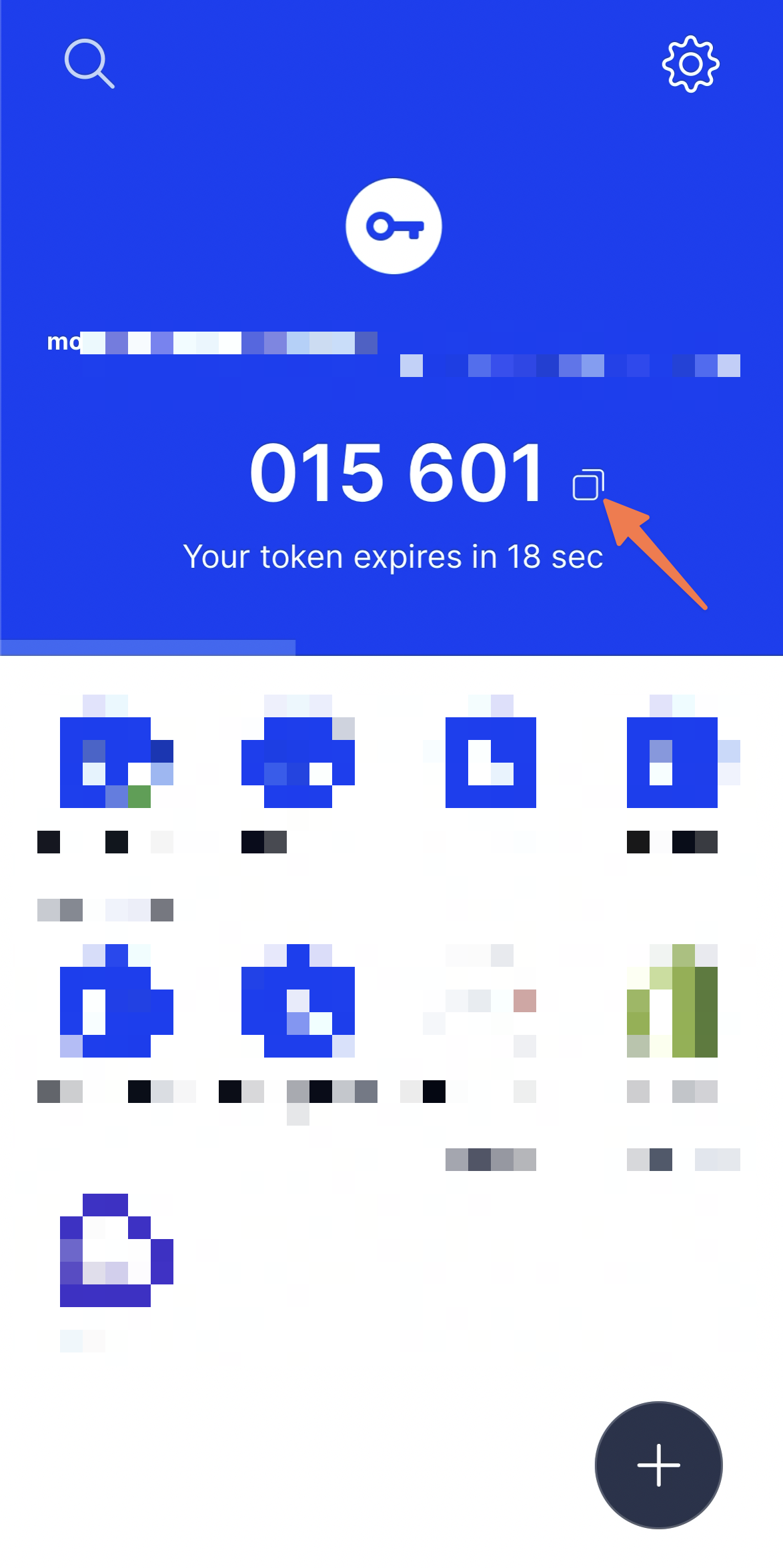
12. Make sure your new connection is selected and make note of the 6 digit code
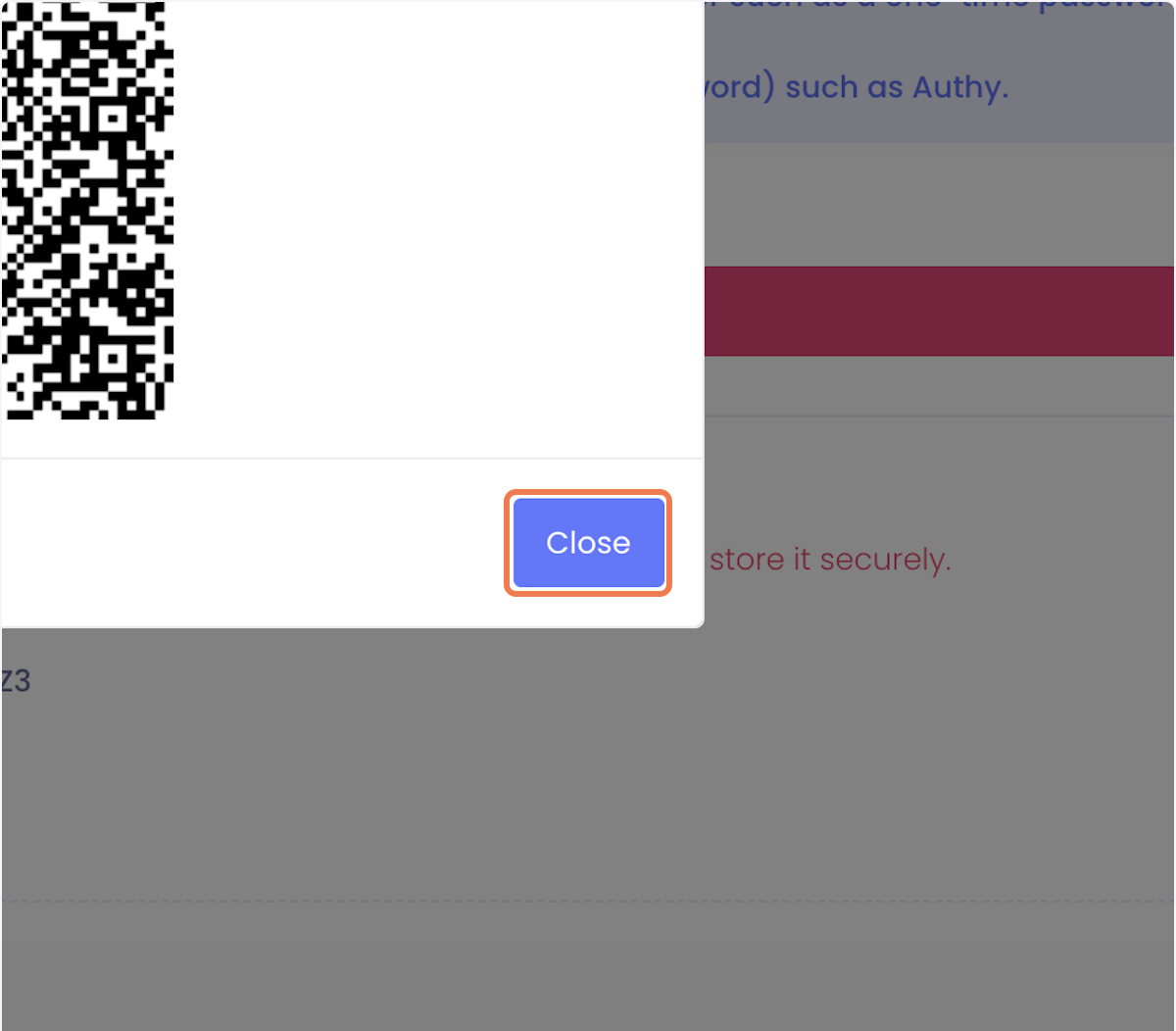
13. Going back to your main screen, click Close on the QR code popup.
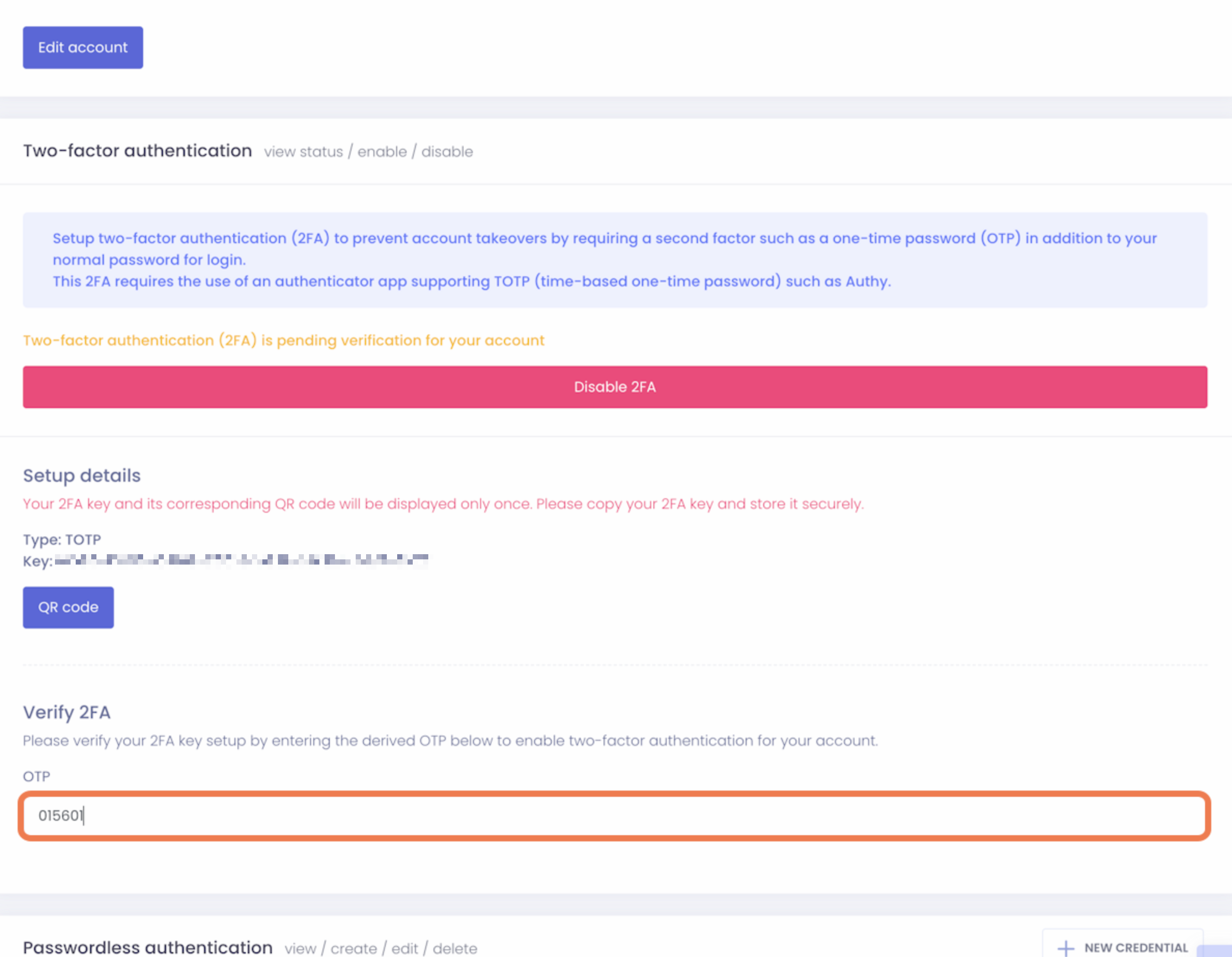
14. Paste the code from your authentication app, into the OTP field and press enter on your keyboard. Then click OK on the successful popup
15. Click on Disable 2FA, then click ok on the successful popup. Your block will now be removed.
This is important if your goal is to quickly remove the block without causing any additional workload afterwards